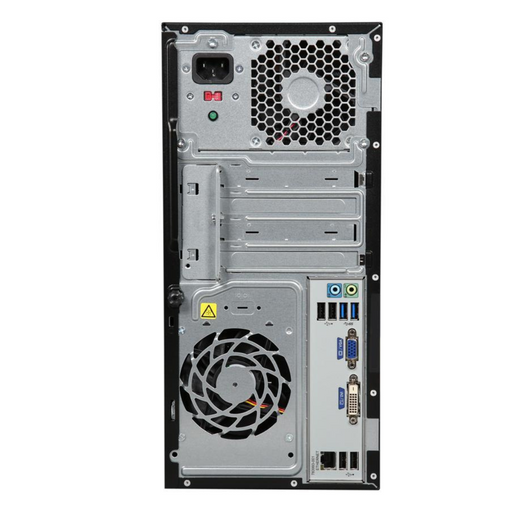
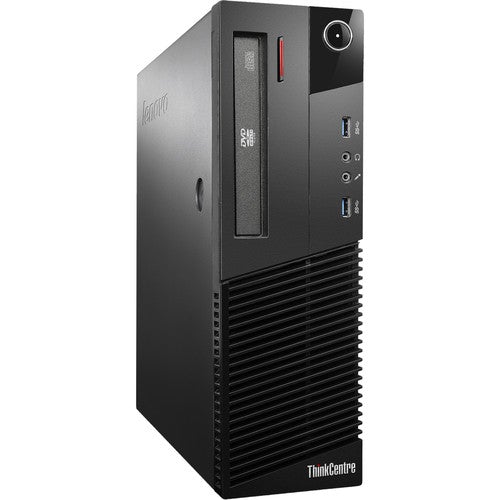
Save up to 15%
Save up to 15%
4.5 / 5.0
406 Reviews
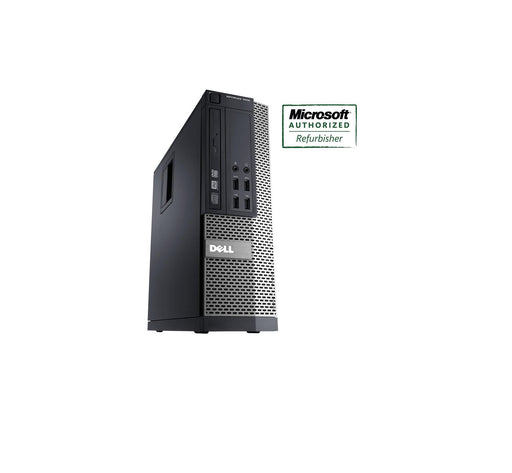
Boost your efficiency. ProDesk has many years of experience in delivering customer-driven desktop innovation by always developing quicker and smart...
View full details4.5 / 5.0
405 Reviews
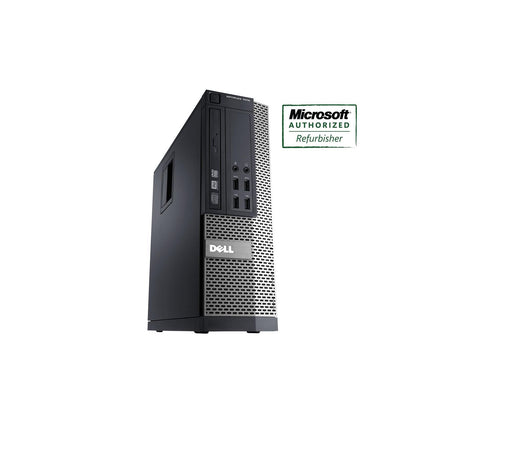
Boost your efficiency. ProDesk has many years of experience in delivering customer-driven desktop innovation by always developing quicker and smart...
View full details4.5 / 5.0
412 Reviews
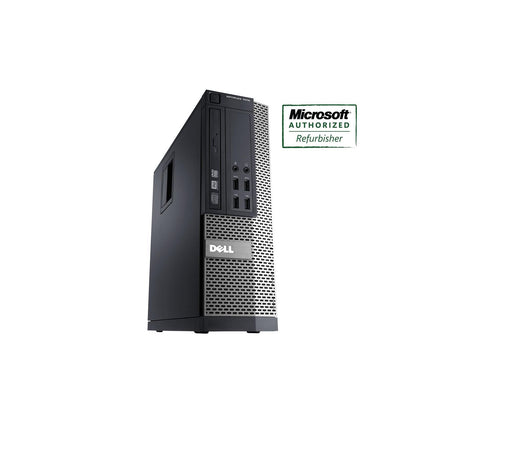
Key Features Intel Core i5-4570 (4th Generation) 3.2 GHz Processor Speed Small Form Factor Desktop 8GB DDR3 RAM 240GB Solid State Drive Comes pre-...
View full details4.5 / 5.0
412 Reviews
With a sleek design that's under 4" wide, the HP ProDesk 600 G2 Desktop computer will be a space-saving addition to your business or home office. T...
View full details4.5 / 5.0
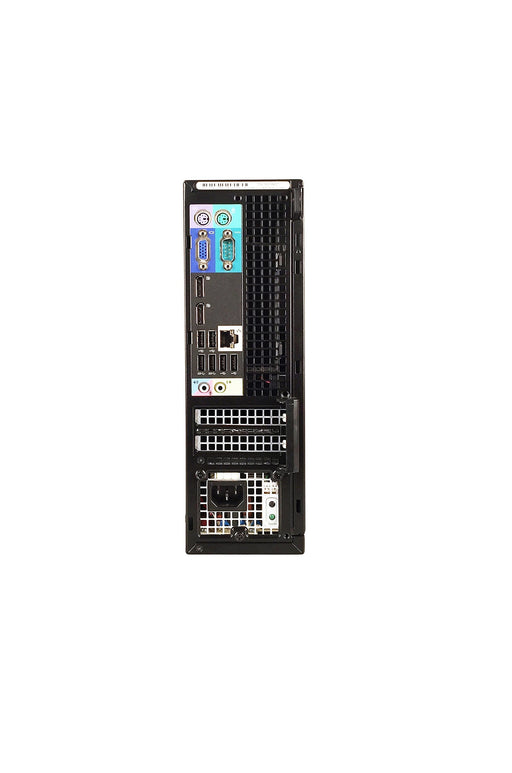
405 Reviews
Key Features Intel Core i3-3220 (3rd Generation) 3.3 GHz Processor Speed Small Form Factor Desktop 8GB DDR3 RAM 1TB Hard Disk Drive Comes pre-insta...
View full details4.5 / 5.0
405 Reviews
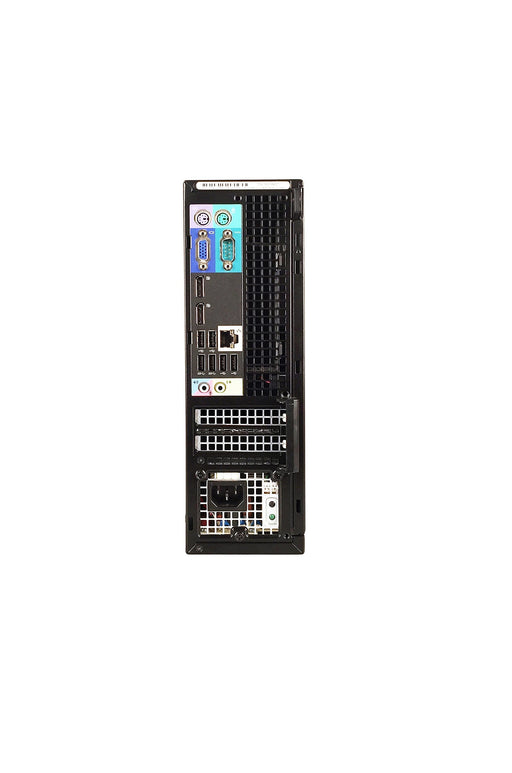
Key Features Intel Core i3-3220 (3rd Generation) 3.3 GHz Processor Speed Small Form Factor Desktop 8GB DDR3 RAM 120GB Solid State Drive Comes pre-i...
View full details4.5 / 5.0
405 Reviews
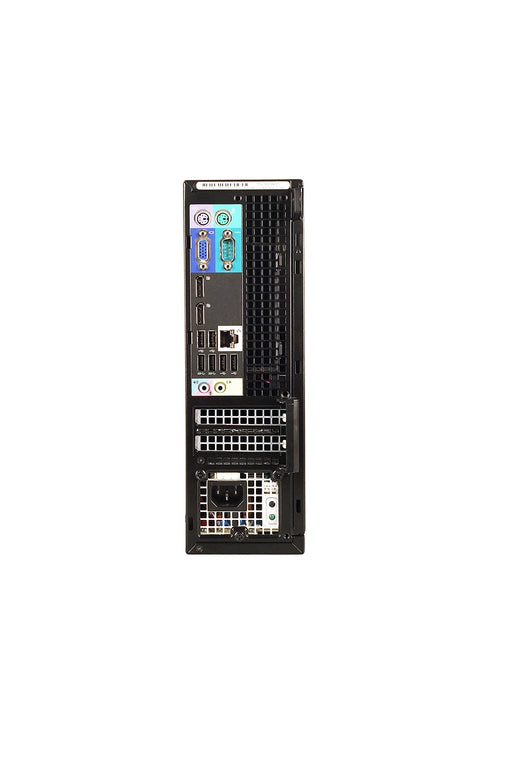
Key Features Intel Core i3-3220 (3rd Generation) 3.3 GHz Processor Speed Small Form Factor Desktop 8GB DDR3 RAM 500GB Hard Disk Drive DVD Optical ...
View full details4.5 / 5.0
405 Reviews
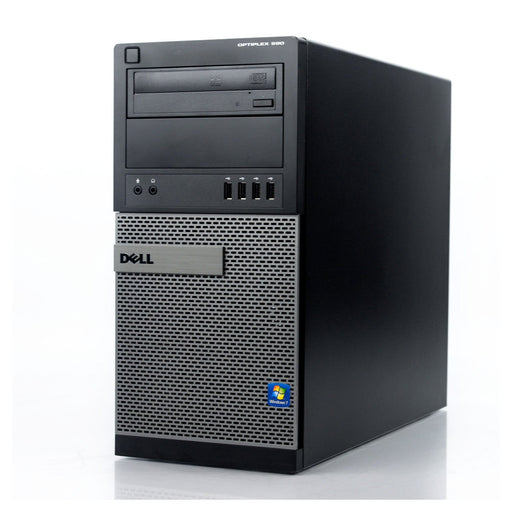
Key Features Intel Core i3-2400 3.1GHz Processor Speed Tower Desktop 8GB DDR3 RAM 2TB Hard Disk Drive Comes pre-installed with genuine Windows 10 ...
View full detailsSave money on your next desktop without sacrificing the speed and power you need. Our line of refurbished desktop computers helps you save money without sacrificing speed and reliability. All refurb desktops at REFURB.io have undergone individual inspection, testing, and repair to ensure your next refurbished desktop computer performs as designed by the manufacturer. As a result, you don’t need to spend more than necessary for your next dependable desktop.
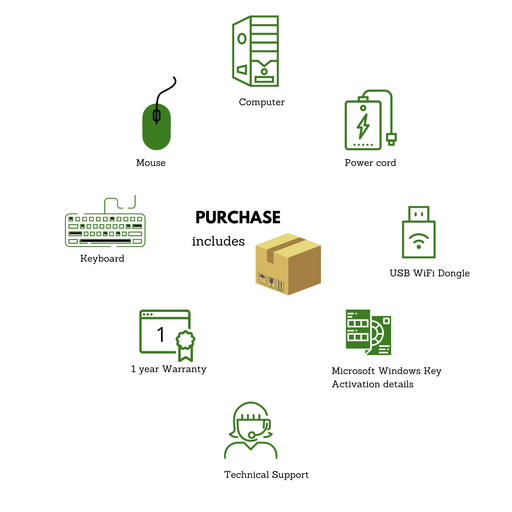
REFURB.io offers all Canadian customers a Free One Year Warranty*. We’re confident in our work, and our 12-month warranty gives you peace of mind that we’ll take care of any defects that may appear. A refurb pc doesn’t have to mean missing out on a warranty — we’re confident in our work, and you will be, too.
REFURB.io is a proud Microsoft Authorized Refurbisher (MAR). A MAR is a company that Microsoft has authorized to refurbish and sell used computers with genuine Windows OS installed. These companies undergo a thorough certification process to ensure they meet Microsoft's standards for refurbishing desktop computers in Canada.
MARs perform a variety of essential processes that Microsoft has evaluated, including cleaning, testing, and repairing computers to ensure that every computer functions as initially designed.
As a MAR, we can provide genuine copies of Windows 11 with every refurb desktop we sell. In addition, our desktops include a Certificate of Authenticity or Genuine Microsoft Label indicating that it’s coming from a MAR-certified refurbisher, which you won’t find from used or non-certified refurbisher's.
Our refurbished desktops are often sold at a fraction of the cost of a factory-new computer, making them an affordable option for individuals, businesses, and schools in Canada. Additionally, buying a refurbished desktop computer can be an environmentally friendly choice as it extends the life of a computer that might otherwise end up in a landfill.
Choosing a refurbished desktop is an excellent way to save money while still getting a reliable computer without the factory-fresh markup. Here are a few ways to pick the right refurbished desktop in Canada:
You can find a refurbished desktop that meets your needs and provides reliable performance at a fraction of the cost of a new computer by carefully considering each of the above tips.
We offer budget-friendly desktops that are ideal for businesses needing to equip an entire workforce, or you can buy one at a time and still receive a great deal. Whether buying in bulk or individually, you’ll receive a thoroughly inspected and warrantied desktop that comes with a genuine version of Windows 10 or Windows 11.
Don’t pay the factory-fresh markup and spend more for the same machine. Purchasing a refurbished desktop computer in Canada lets you sidestep the markup while still receiving a thoroughly inspected computer. Every desktop we sell has been thoroughly inspected so you can take your money further.
A refurb desktop and a used desktop are similar in that they have both been previously owned. However, there are some critical differences between the two that highlight why a refurbisher is your best option:
A refurbished desktop is likely a better investment than a used desktop since it has been tested, restored, and updated to meet the original manufacturer's specifications. Additionally, the warranty or guarantee often comes with a refurbished desktop providing peace of mind that we have you covered.
REFURB.io is a reputable refurbisher with a wide range of frequently-updated pc refurbished desktops. Shop refurbished desktop computers with REFURB.io to find your next desktop at a great price.
Find answers to the most commonly asked questions about Refurbished Desktop Computers below, including details about specifications, condition, warranty, and what to look for when choosing the right one for yourself.
For reliability and long-term value, business-class desktops from Dell, HP, and Lenovo consistently outperform consumer-grade alternatives. These systems were designed for demanding environments — quiet operation, easy servicing, and years of continuous use — which makes them well-suited to the refurbished market. The Dell OptiPlex is compact, quiet, and highly serviceable. The HP EliteDesk and ProDesk are secure and upgrade-friendly. The Lenovo ThinkCentre has strong cooling and a tool-less chassis design. All three offer stable BIOS firmware and long-term driver availability from the manufacturer, which matters for ongoing support.
Start by matching the specs to your workload. For typical office multitasking, an Intel i5 or Ryzen 5 processor handles things well; 16GB of RAM keeps multiple apps responsive; and a 512GB SSD makes a meaningful difference in boot and file access times compared to an HDD. On the security side, look for Windows 11 Pro, TPM 2.0, and BIOS-level protection — these come standard on most business-class models. For connectivity, confirm DisplayPort or HDMI for monitors, USB-C, and either Gigabit Ethernet or Wi-Fi 6 depending on your network setup.
Form factor is worth thinking about too: SFF works well for smaller desks, and a Tower is the better choice if you anticipate needing more expansion room later. Always check warranty coverage, cosmetic grade, and return policy before committing.
The right desktop depends entirely on how you plan to use it. For everyday tasks — browsing, documents, streaming — an Intel i5 or Ryzen 5 with 16GB RAM and a 512GB SSD covers everything you need, and integrated graphics handles dual-display setups without issue. For creative work or heavy multitasking, step up to an i7 or Ryzen 7, 32GB RAM, a 1TB SSD, and a dedicated GPU for photo or video work.
Beyond specs, think about ports (a mix of USB-A, USB-C, DisplayPort, and HDMI covers most setups), networking (built-in Wi-Fi 5/6 or Ethernet), and form factor: Mini for tight spaces, SFF for a balanced everyday workstation, Tower for maximum upgradeability.
Consumer desktops are designed for general home use — they tend to prioritize appearance and price, with shorter manufacturer support cycles and variable component quality. Commercial desktops are engineered for professional, continuous workloads, and the difference shows up in several practical ways: more rigid and serviceable chassis, better cooling, Windows Pro with TPM 2.0 and Intel vPro/AMD Pro options, and stable BIOS and driver support for years after release.
For anyone buying refurbished, this distinction matters more than it does in the new market. A business-class desktop was built to a higher standard from the start, which means it holds up better through the refurbishment process and in continued use afterward.
Mini desktops are the most compact option — quiet, energy-efficient, and easy to mount or tuck away — but they offer limited internal expansion. They work well for classrooms, kiosks, or any setup where space is the primary concern.
SFF (Small Form Factor) desktops strike a practical balance: more room for RAM and storage upgrades than a Mini, dual-display support, and a manageable footprint for standard home office or workstation use. They're the most versatile choice for most buyers.
Towers offer maximum room for GPUs, additional storage, and advanced cooling. They're the right choice for gaming, video editing, or IT setups that need genuine expansion capacity — but they're overkill for everyday office or home use.
Most modern business desktops handle dual monitors natively with two DisplayPort outputs, or one DisplayPort and one HDMI. Integrated Intel or AMD graphics manages two 1080p displays without issue.
Triple monitors require more attention. You'll need a discrete GPU, and DisplayPort 1.2+ or HDMI 2.0 for higher resolutions or refresh rates. Adapters like DP-to-HDMI can help if your monitors and outputs don't match exactly. The safest approach is to check the exact video outputs listed on the product page before buying — not every model in the same desktop line ships with identical port configurations.
Both matter, and they cover different things. The cosmetic grade — A or B — tells you what to expect visually. Grade A is near-new with minimal wear; Grade B has light marks or scuffs but the same internal quality and performance. Grading purely affects appearance, so if cosmetics aren't a priority, a Grade B unit is functionally identical to Grade A and usually cheaper.
Warranty covers the functional side: hardware defects, performance issues, and early failures. It's your access to support, repairs, or replacements if something goes wrong. A refurbished desktop without a warranty is essentially a used desktop — the warranty is what makes "refurbished" meaningful.
Yes, with the right specs. For casual 1080p gaming, an Intel i5 or Ryzen 5 with 16GB RAM, an SSD, and a low-profile dedicated GPU like the GTX 1650 handles modern titles without issue. For creative work — photo editing, video, colour grading — you'll want 16–32GB RAM, a fast NVMe SSD, a dedicated GPU, and dual-display support for comfortable multitasking.
Business-class systems often have an advantage here over similarly priced consumer hardware: better thermal management means more sustained performance under load, which matters for longer editing sessions or gaming.
{"one"=>"Select 2 or 3 items to compare", "other"=>"{{ count }} of 3 items selected"}